Galladar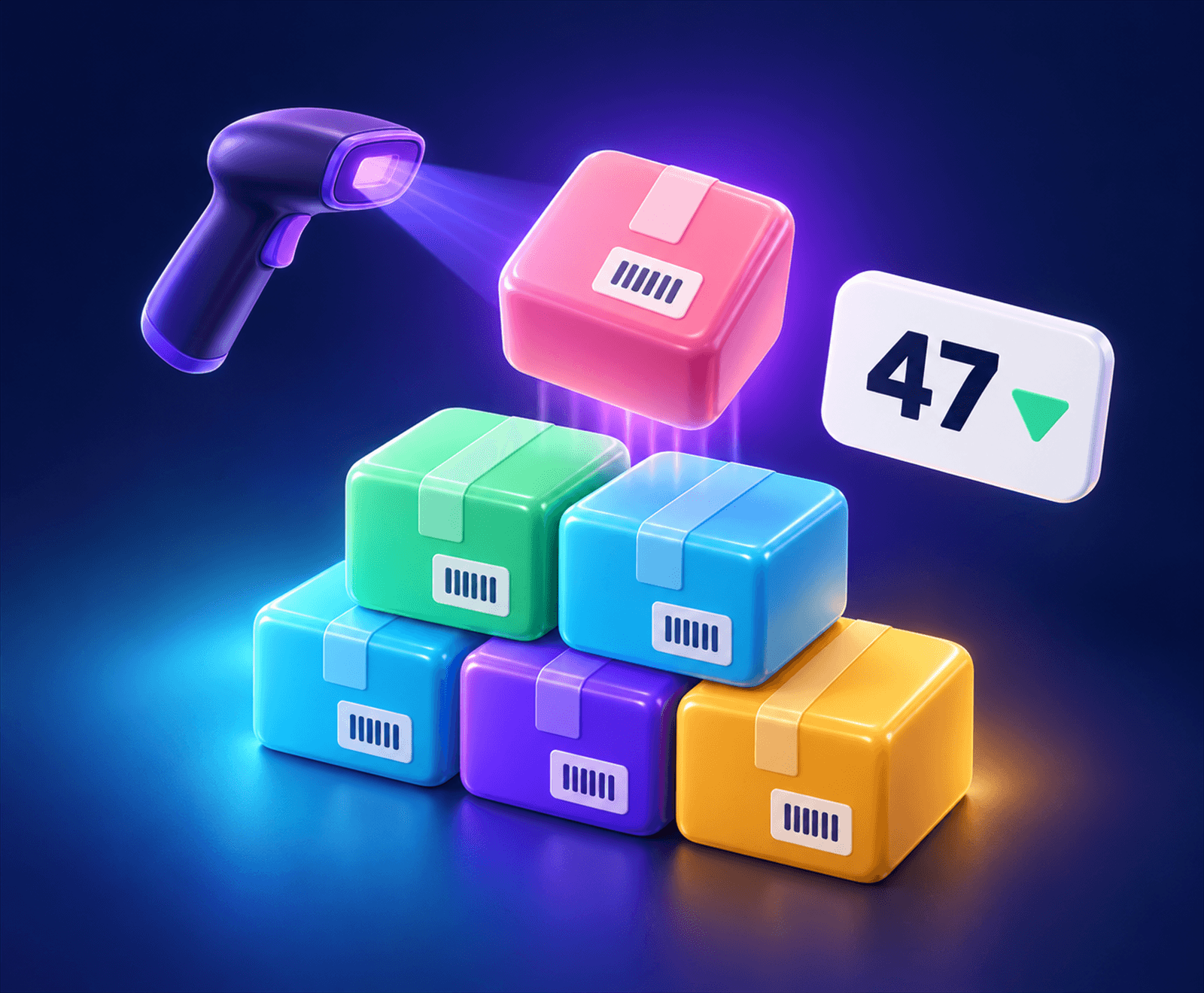


Billing
Scan, scan, Enter. Cash, card or udhaar.
Billing, stock and udhaar khata — on your counter and on your phone.
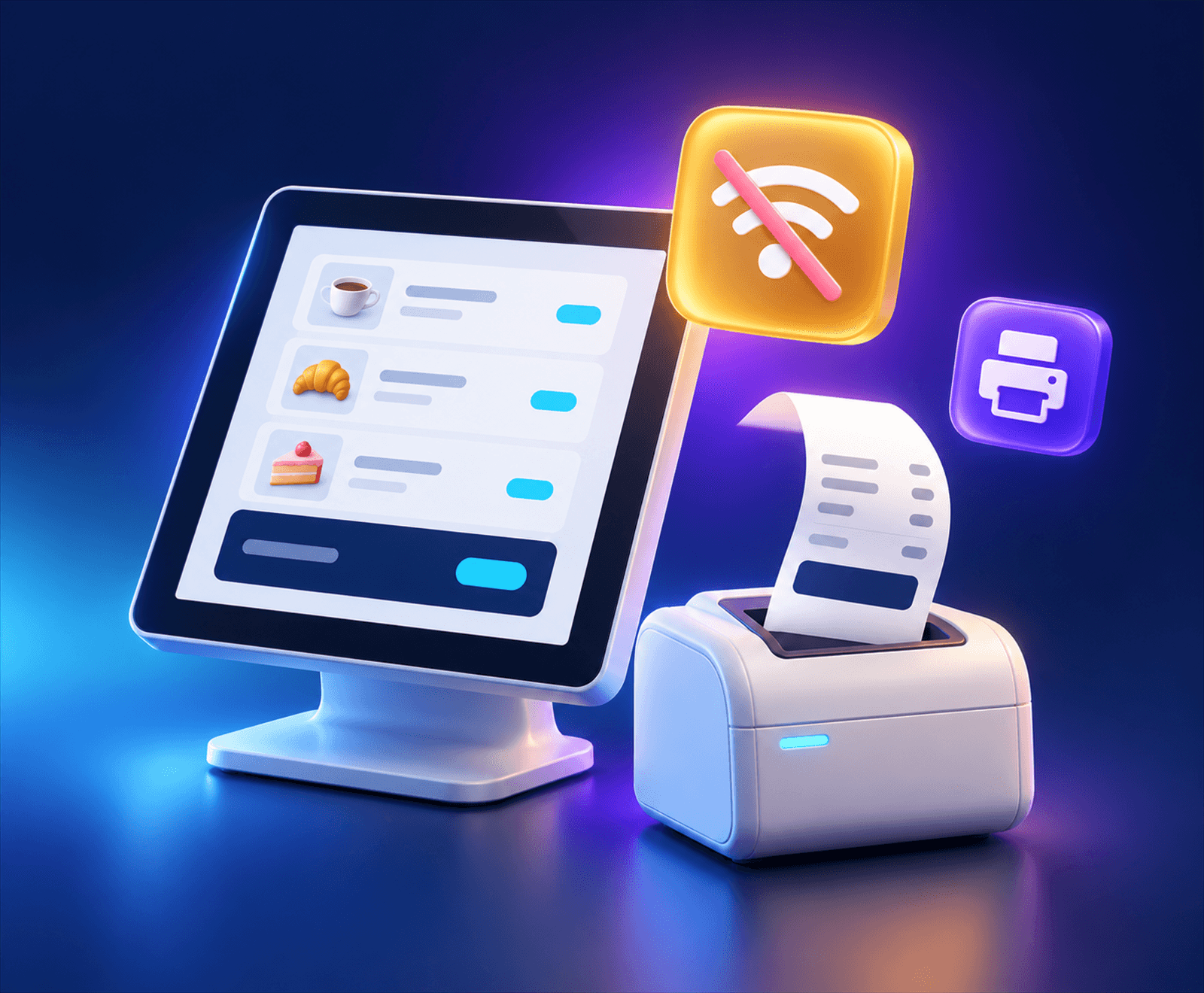
Bills print with the internet offThe sale is made on your own machine.
Built for your trade
Pick your trade when you sign up. The common products are already there, in their categories — you set the prices and the stock.
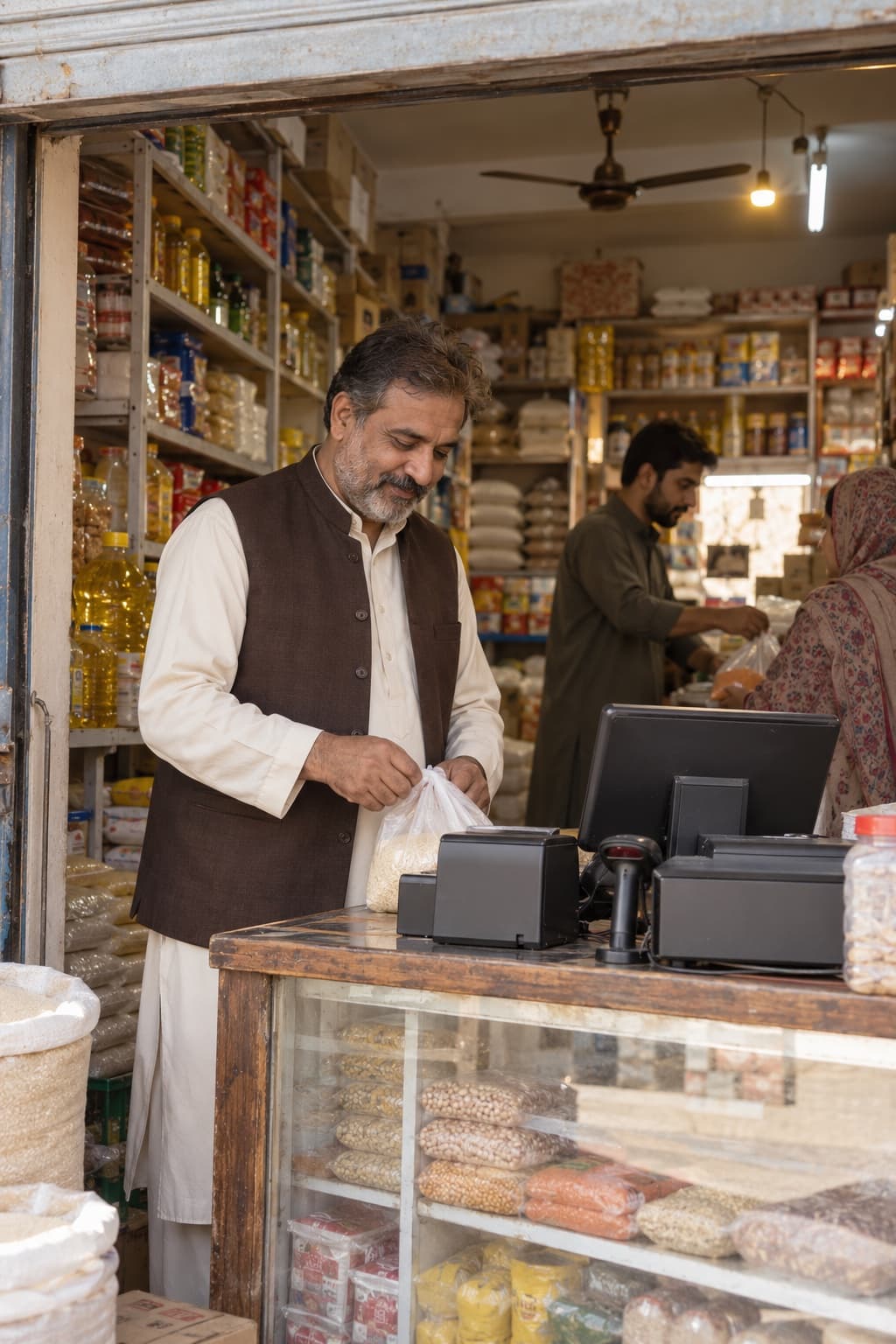 Kiryana & supermarket28 ready products · Flour, rice & pulses, Oil & ghee, Sugar, tea & milkStart with this trade
 Pharmacy & medical store27 ready products · Pain & fever, Antibiotics, StomachStart with this trade
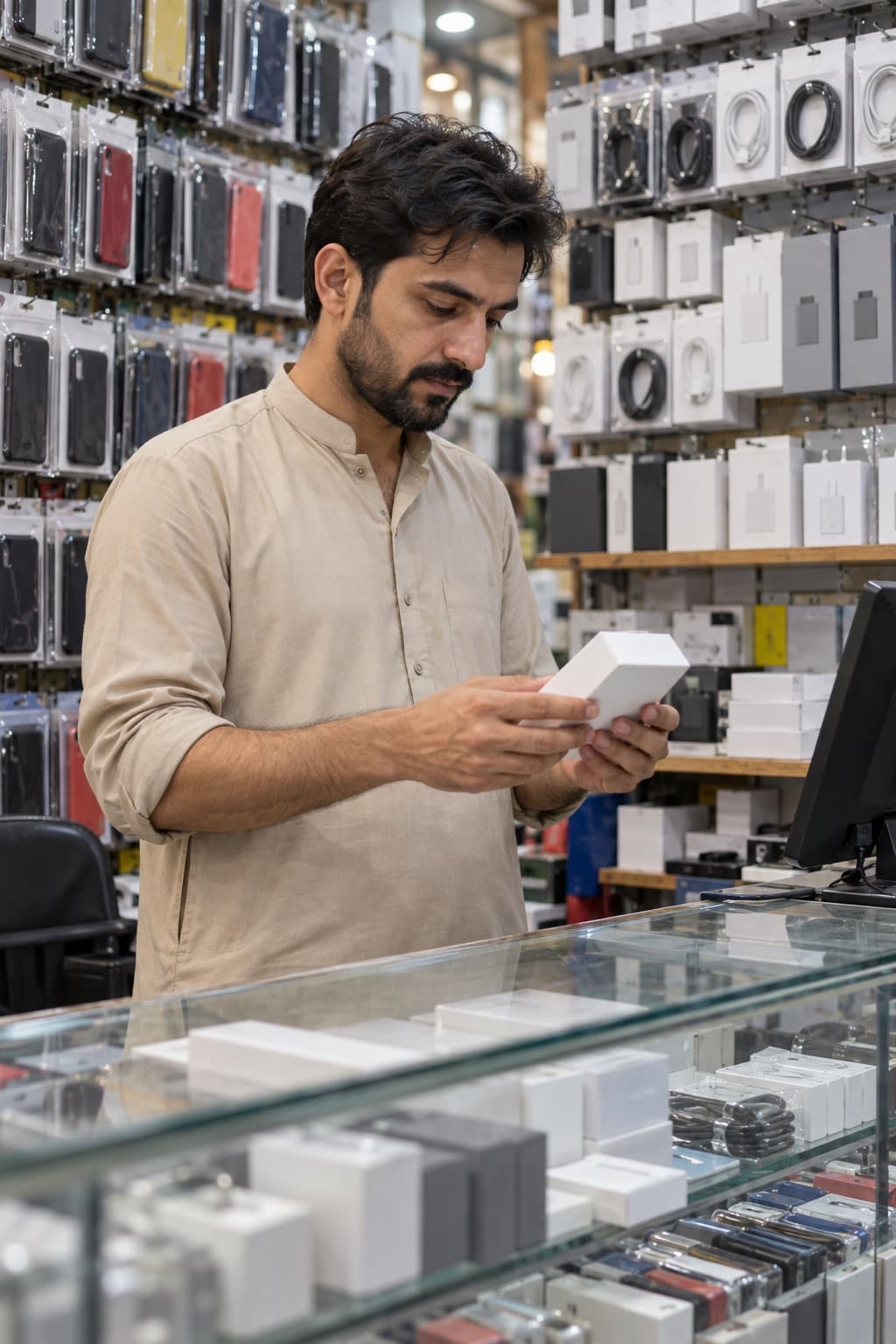 Mobile & electronics19 ready products · Chargers & cables, Audio, ProtectionStart with this trade
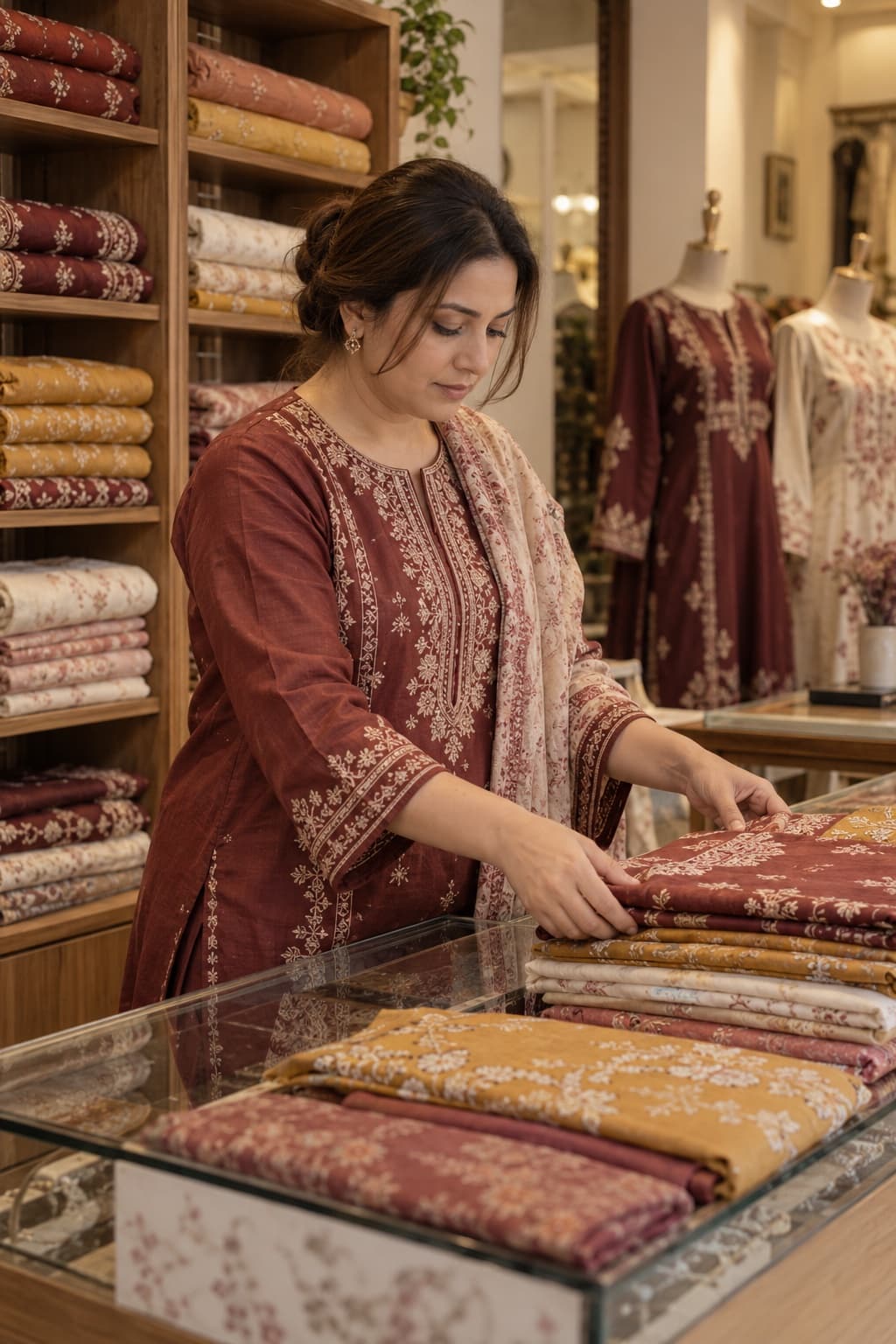 Garments & boutique18 ready products · Men, Women, KidsStart with this trade
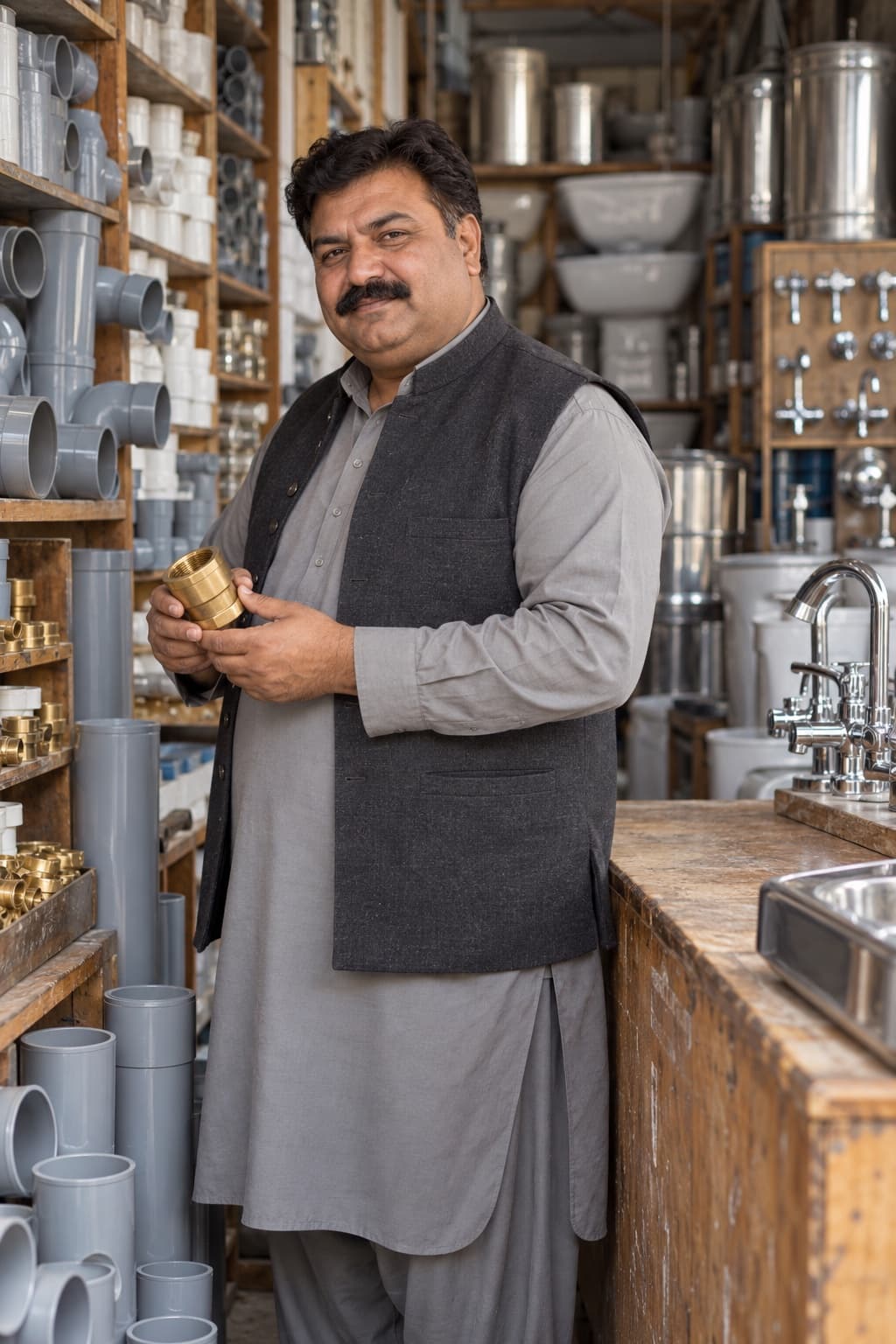 Hardware & sanitary21 ready products · Plumbing, Electrical, FastenersStart with this trade
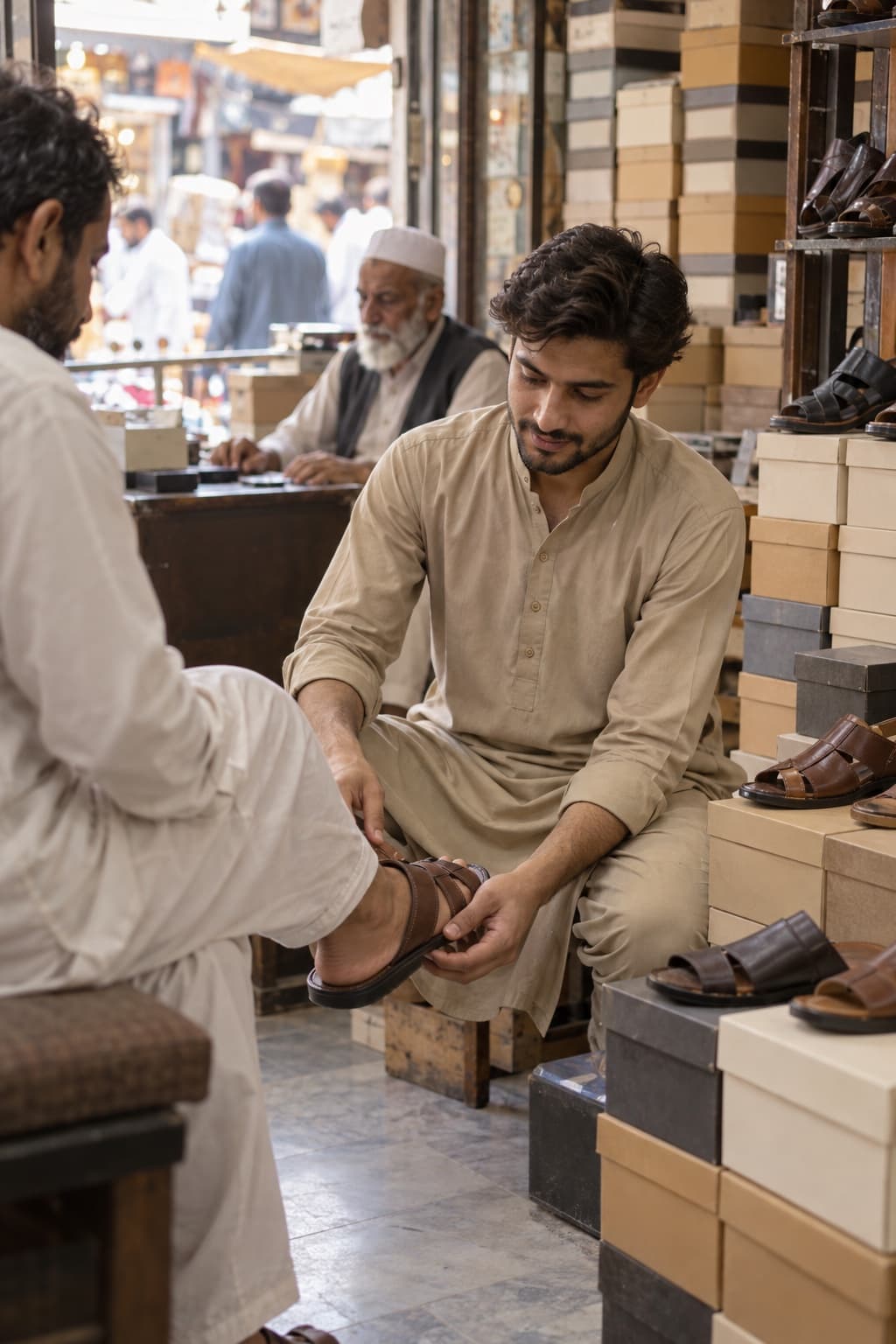 Footwear14 ready products · Men, Women, KidsStart with this trade
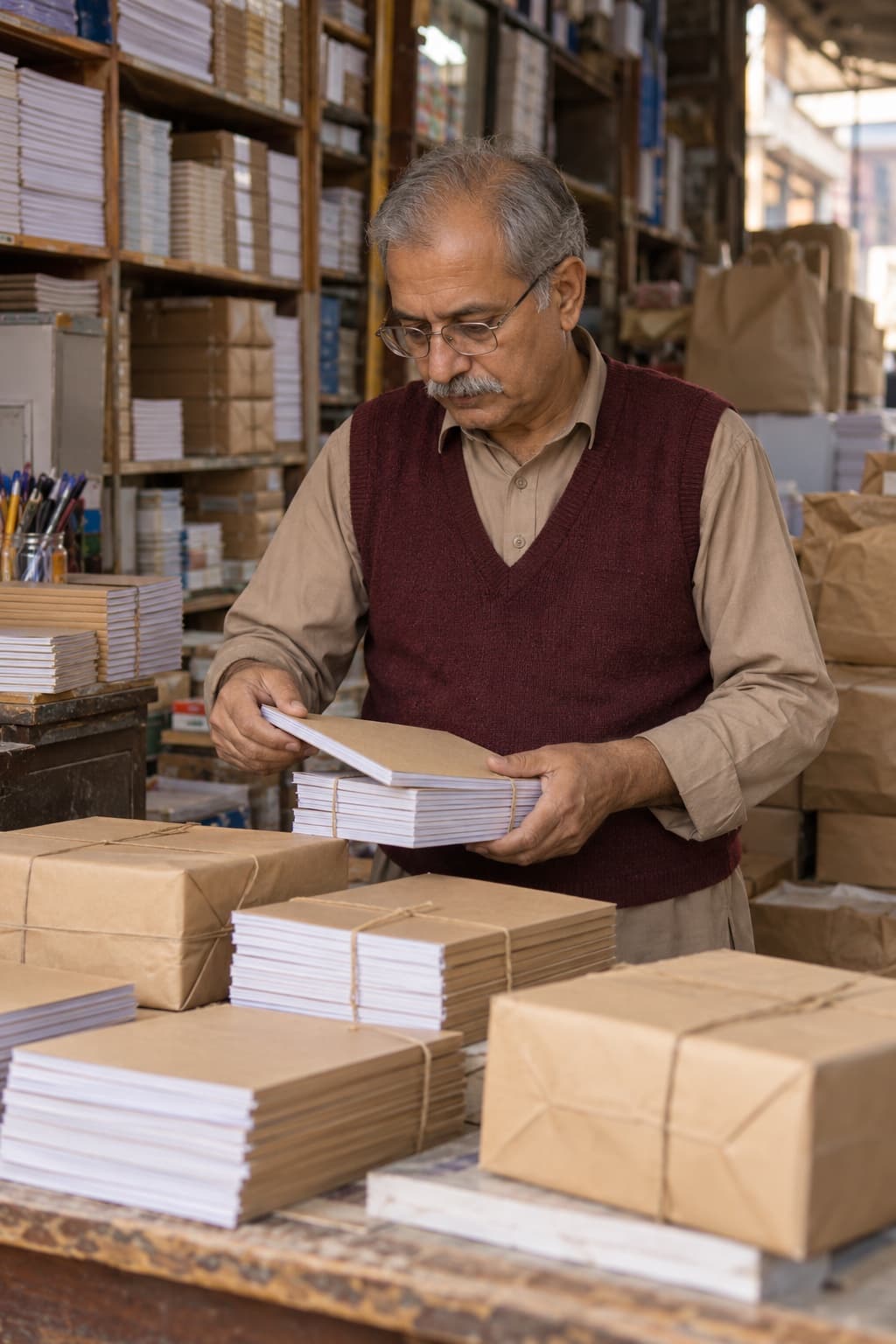 Stationery & books21 ready products · Writing, Paper, SchoolStart with this trade
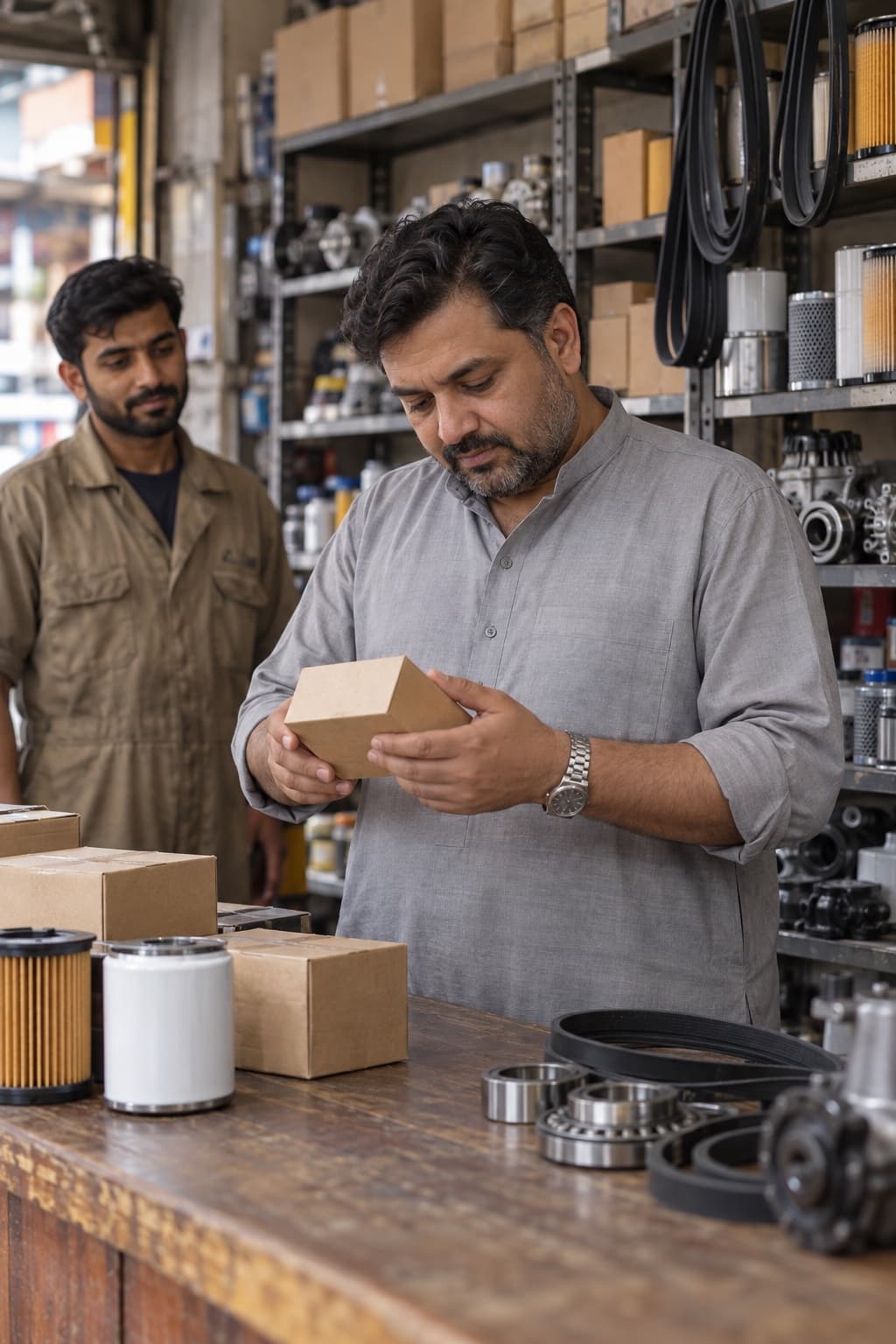 Auto parts17 ready products · Engine, Brakes, ElectricalStart with this trade
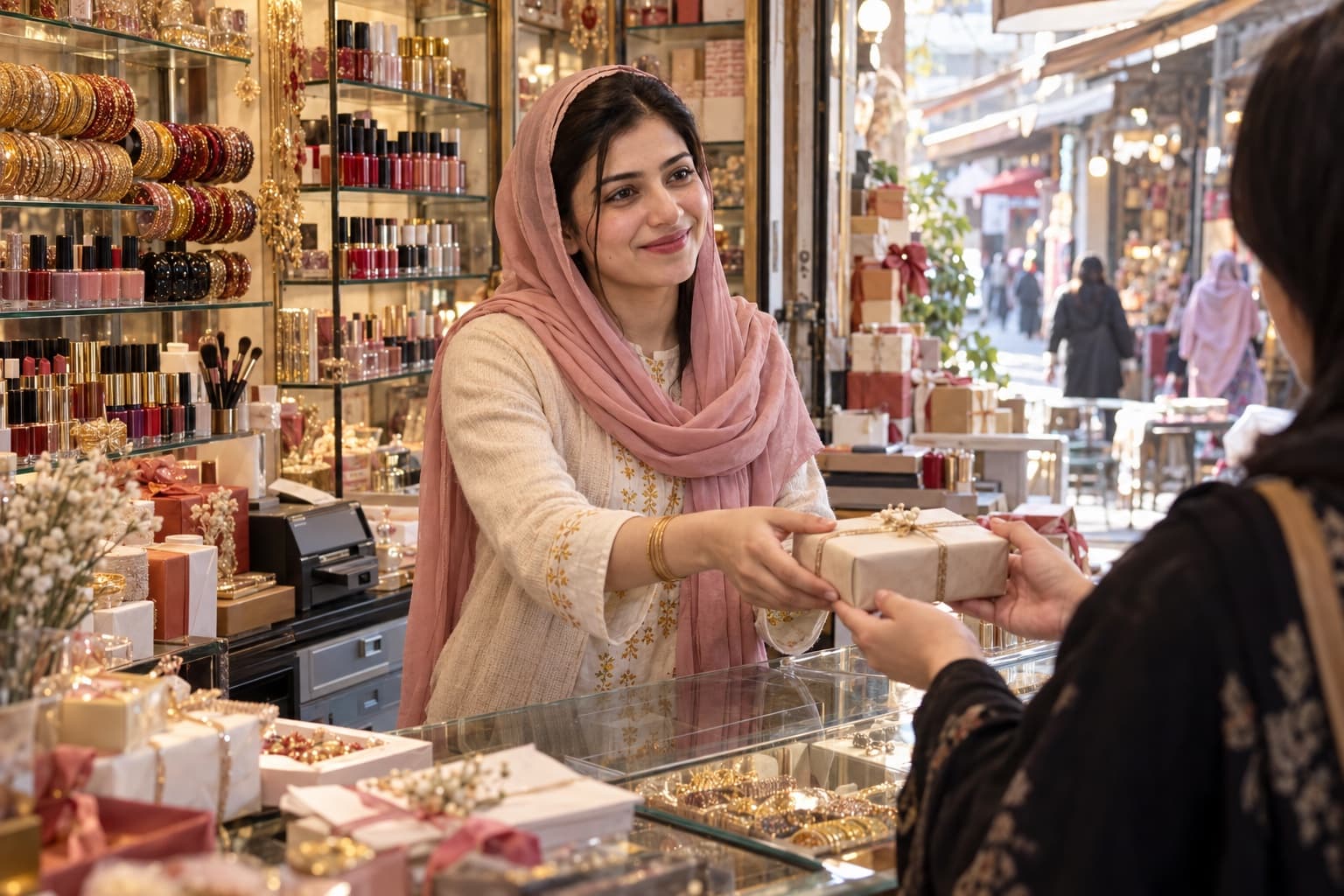
 Cosmetics & gifts18 ready products · Skin care, Hair care, MakeupStart with this trade
Works offline
The bill is made on your own machine. When the internet comes back, everything catches up by itself.
Load-shedding, a dead router, a weak signal.
Still working on this till
Bills print, khata is written, stock moves.
No button to press when the line is back.

Same figures on every device
How it works
Step 1
Your shop’s name, your trade, your number.
2 minutes · no card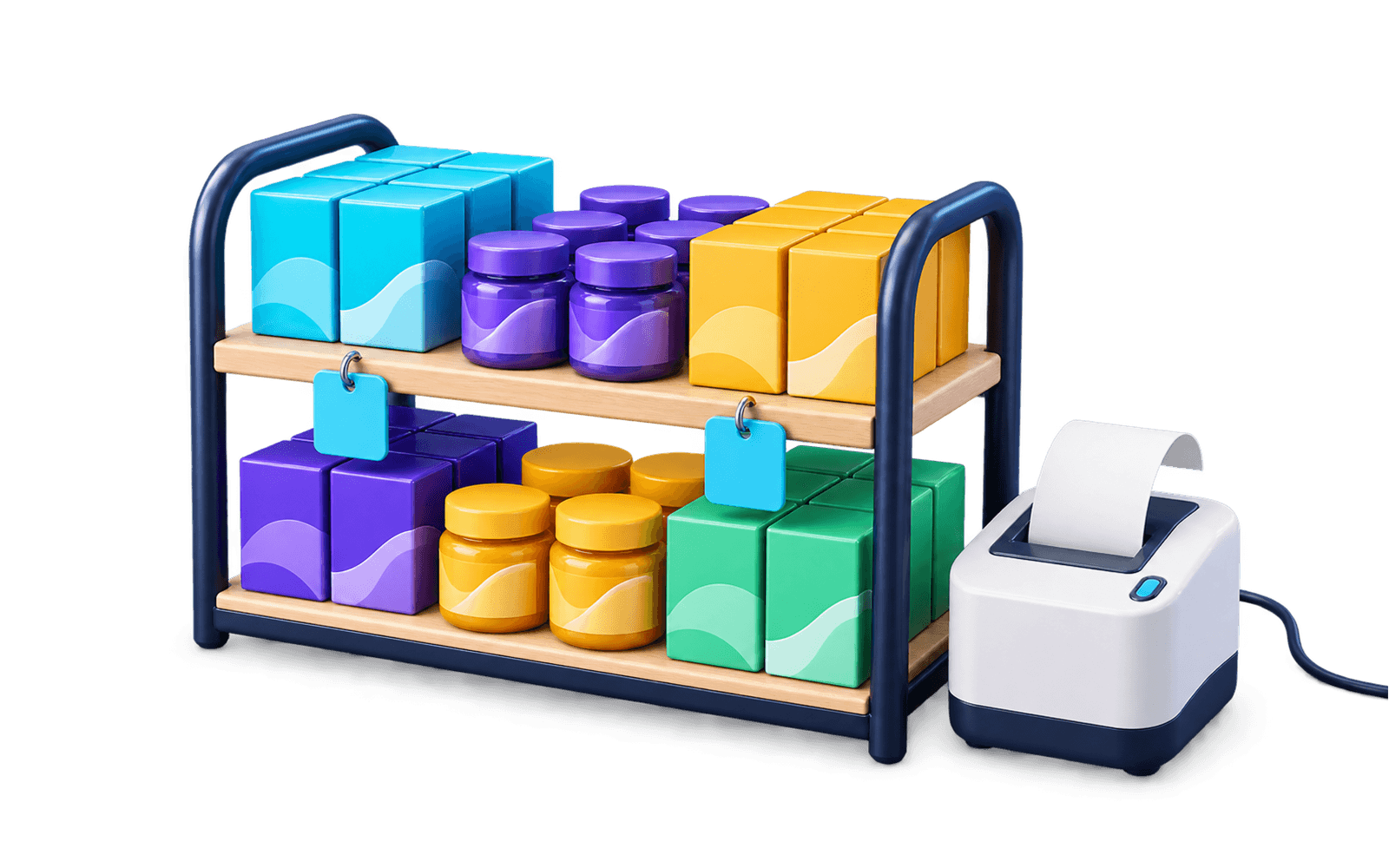
Step 2
Add your own, set prices, plug in the printer.
Your trade’s products already there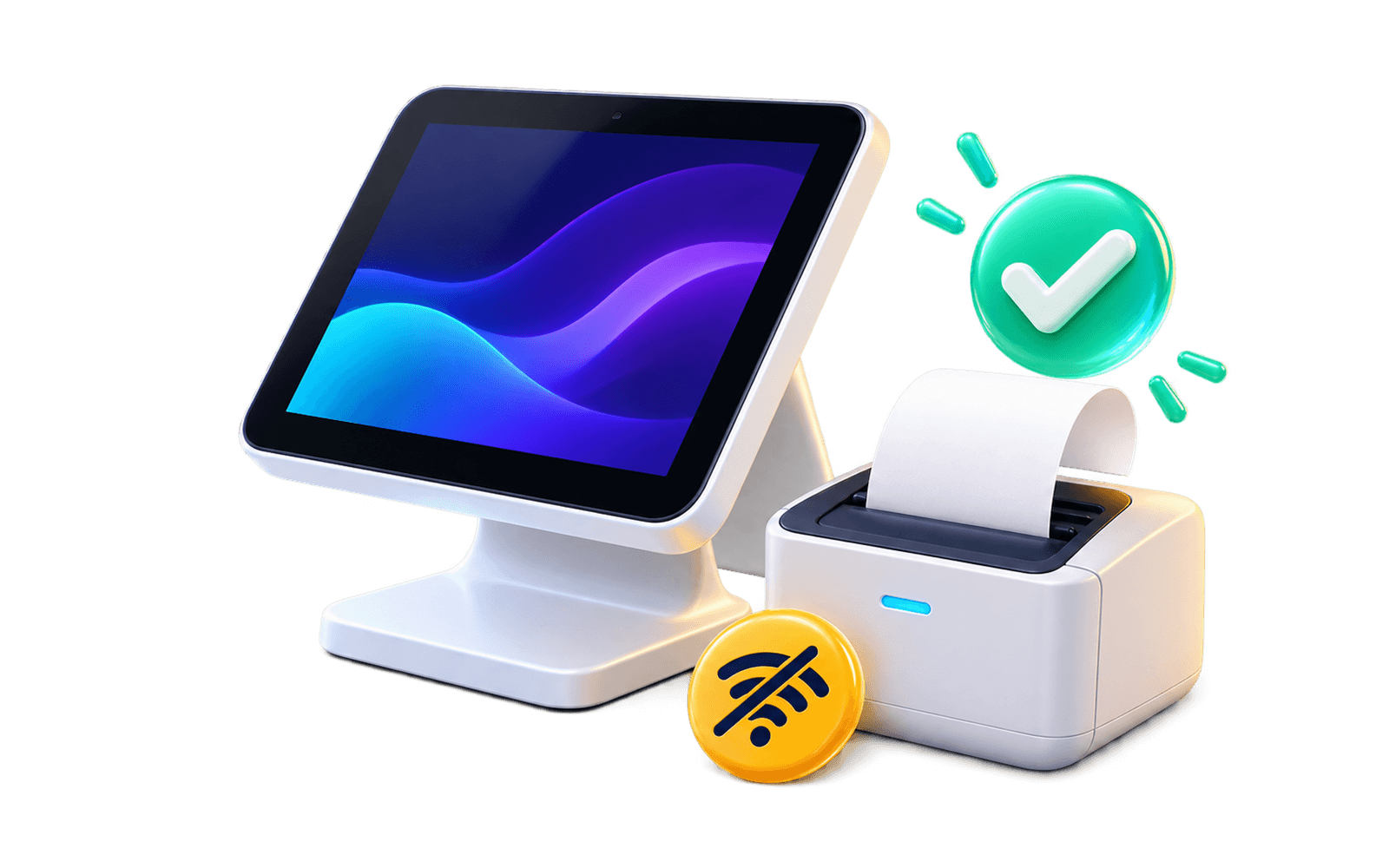
Step 3
On the counter PC or an Android phone.
Internet on or offWhat you get

Scan, scan, Enter. Cash, card or udhaar.
Goes down when you sell, up when you buy.
Who owes you, who you owe.
پیسے لینے ہیںپیسے دینے ہیں
Enter the supplier’s bill. Stock goes up by itself.
Rent, bijli, chai, salary. The drawer adds up at close.
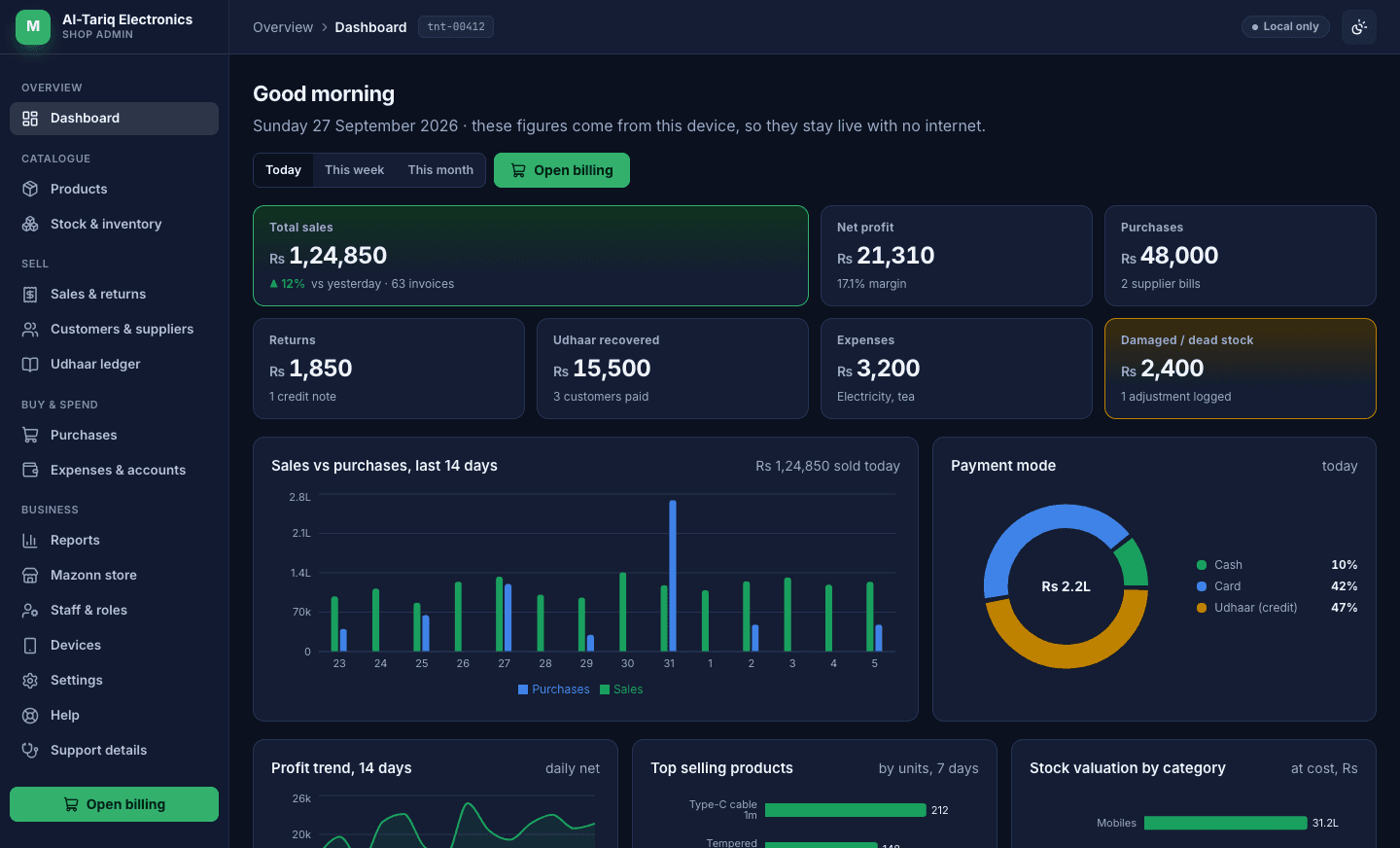
Today’s sale and real profit, on your phone.
The cashier bills. Cost and khata stay with the owner.
Three apps, one shop
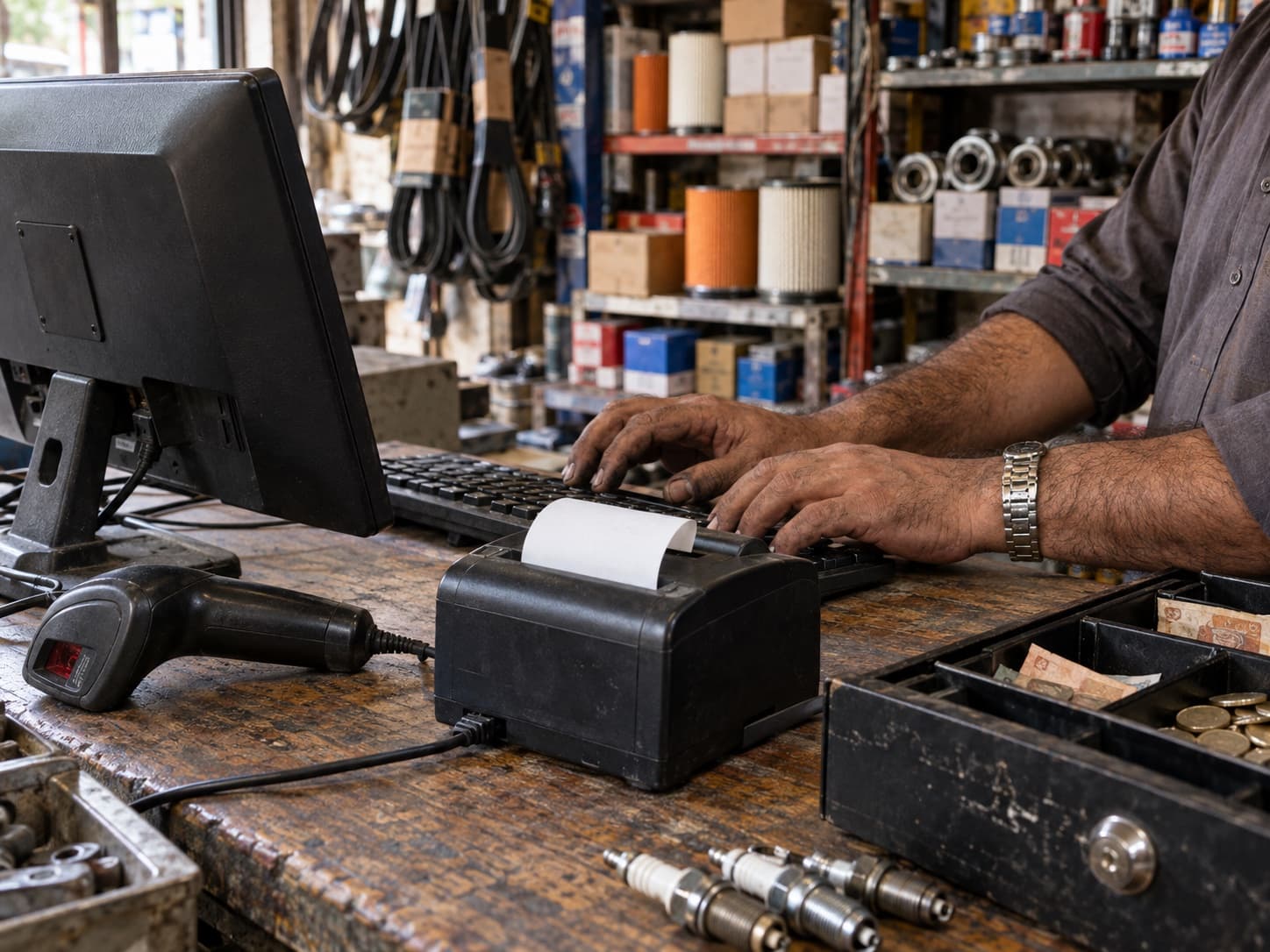
Windows PC at the till
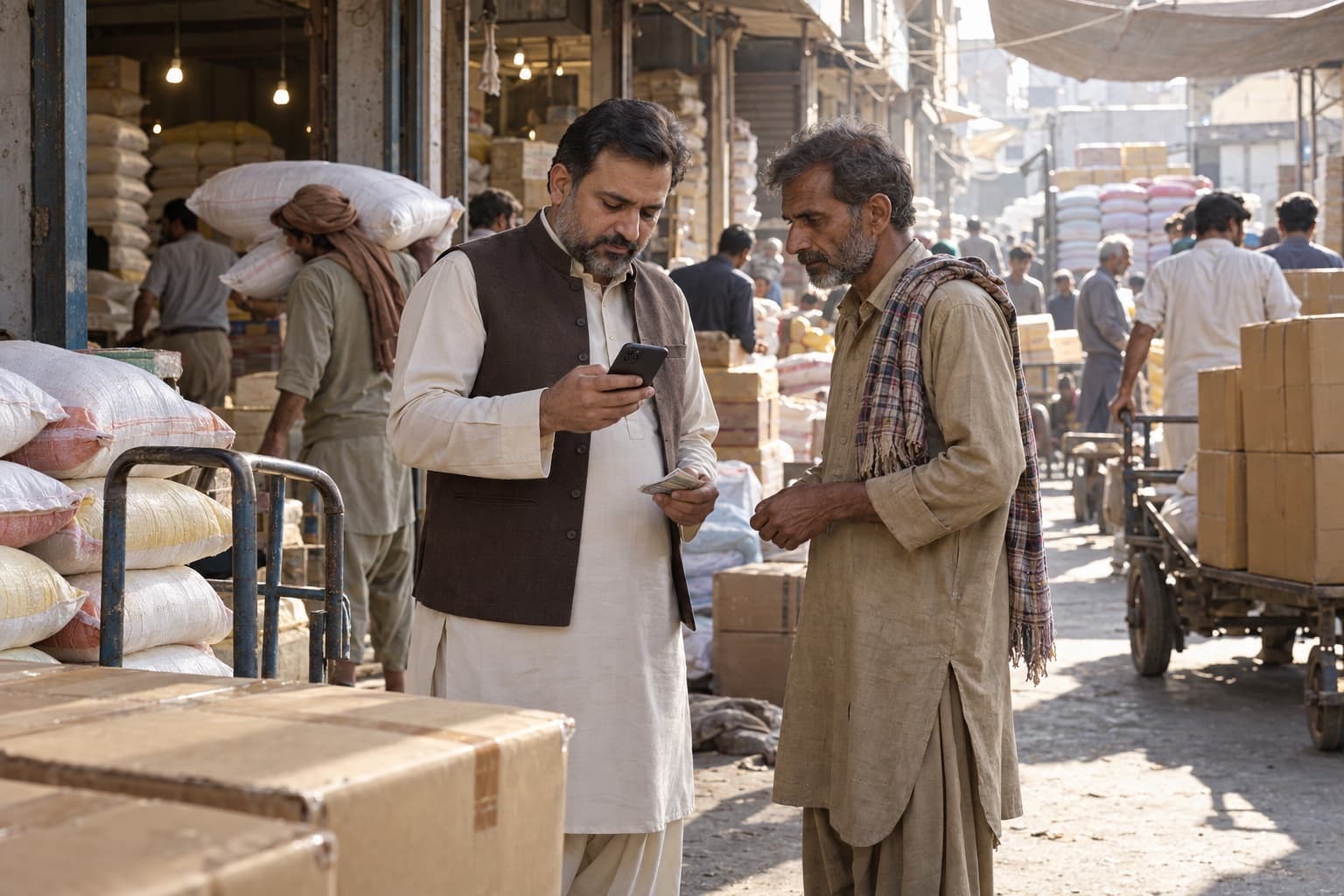
Android & iPhone
any computer
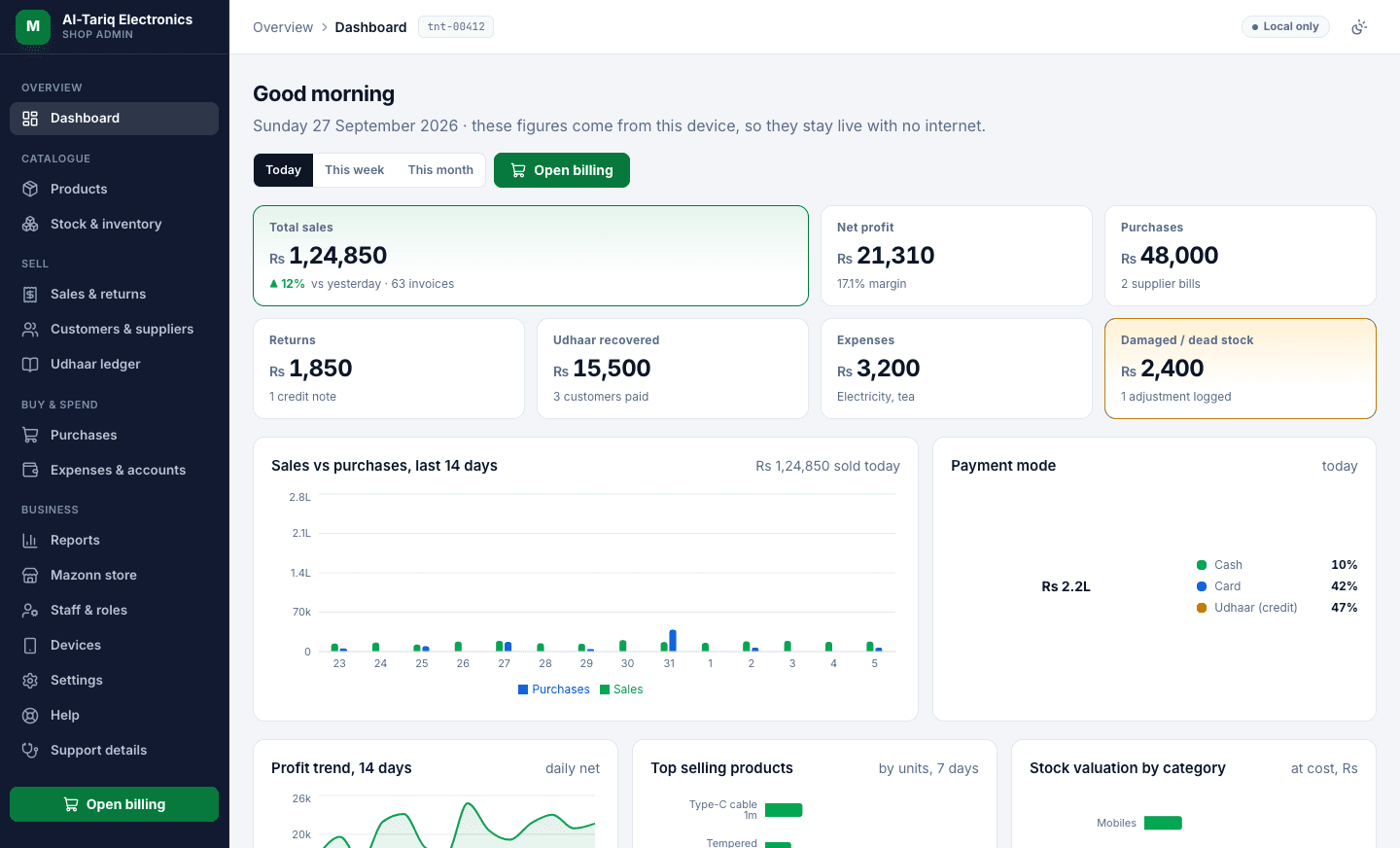
The back office in a browser — the same figures the till and the phone show.
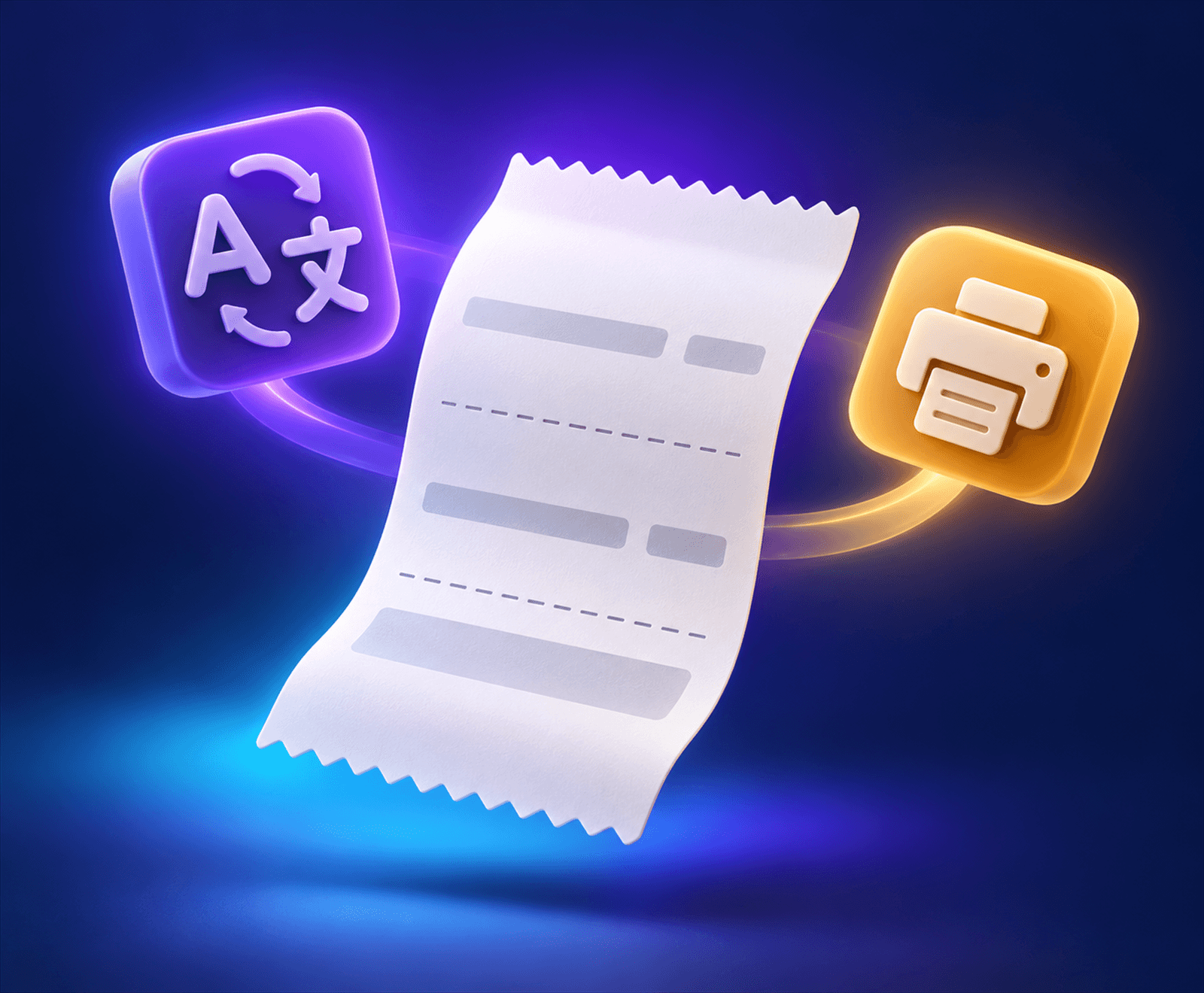
Urdu & receipts
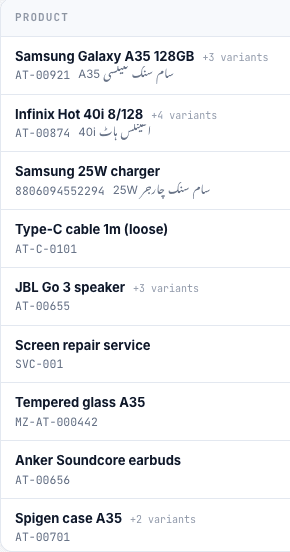
Every product and customer has an Urdu name, and that name prints. Menus are in English.
Type it once
Pricing
Try everything free first. Pick a plan later.
Prices in rupees, per shop, per month. Your data is yours — export it any time.
Before you start
Nothing changes at the counter. Bills print, stock moves and khata is written on your own machine. When the internet is back, everything catches up by itself.
Any Windows PC from the last ten years runs the counter app. A barcode scanner, a receipt printer and a cash drawer plug into it as usual. You can also bill from an Android phone.
Any 80mm or 58mm thermal receipt printer that works in Windows works here, by USB, Bluetooth or the shop’s network. Receipts carry your shop name, Urdu product names and your number.
No. A cashier bills and takes payment. Cost price, profit, khata and reports stay with the owner and anyone the owner allows.
A monthly amount per shop, in rupees, shown on this page. No card is needed for the 30-day trial, and you can change plans later.
Book a demo
Sign up in two minutes. Your trade’s products are already there when you open the till.
Cashiers use the counter app.